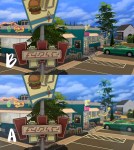

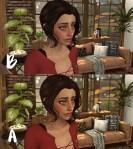
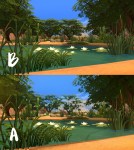
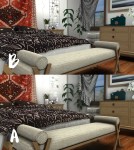
BETTER THINGS – a Reshade preset for TS4
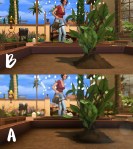
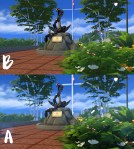
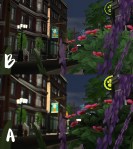
A rather simple yet pretty Reshade preset for TS4 that you may find suitable for both gameplay and taking screenshoots.
INSTRUCTIONS
- Download the latest version of Reshade 3 from the official web-site here.
- Follow @gabreux‘s guide to install Reshade.
- Go to C:Program Files (x86)Origin GamesThe Sims 4GameBin (or wherever your game is installed) and place the preset (better_things_preset.ini file) that you are going to download.
- Run the game and make sure you have turned off edge-smoothing and post-processing effects in options. This is important for the preset to work properly.
- Once in-game press Shift+F2 and choose my preset.
INFORMATION & SHORTCUTS
Some effects are on toggle so you’ll be able to turn them on and off.
- Depth of Field (MatsoDoF) – F5 (DoF is mouse-driven)
- Ambient Light – F6
- Bloom and Lense Flare – F7
- MXAO (Ambient Occlusion) – F8 (may cause perfomance drop on slower machines)
DOWNLOAD
sfs (no ads)

 simmingpenguin