。・ template psd sixty five, template pack thirty by templatepsds ゜+.*
-`. info .’-
+ as requested, here are some Instax Polaroid templates.
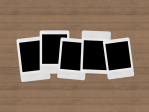
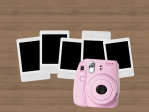
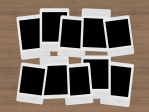
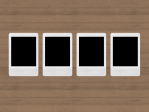
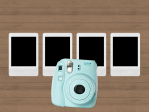
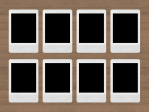
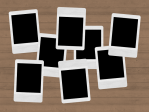
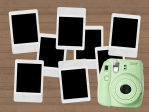
+ there are 5 different templates. the first one is of 5 polaroids with the optional camera if you want it; the second one is of 10 polaroids with no camera option (although feel free to add one if you want); the third is of 4 neatly arranged polaroids with the optional camera; the fourth if of 8 neatly arranged polaroids; the fifth is of 8 unorganized polaroids with the optional camera.
+ if you want to use the polaroid camera and change the color, use the hue/saturation adjustment provided and change the hue to the color you want.
+ to put an image in one of the polaroids, place your image layer right above one of the layers titled “put image in here”, right-click on your image, and select “Create Clipping Mask.” repeat the process for more.
+ you can change the background if you want.
+ not for commercial use or anything like that! just for personal use/to have fun.
+ adjust as much as you want to suit your liking.
+ please like or reblog if you download.
+ message if you have any questions/difficulties!
-`. dl .’-
+ one
+ two
+ three
+ four
+ five

 simmingpenguin