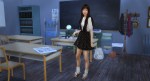
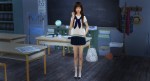
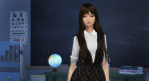
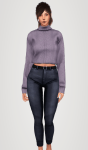
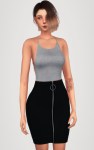
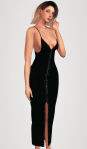
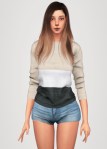
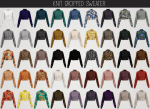
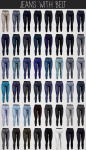
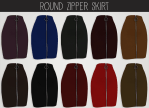
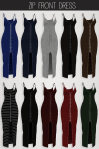
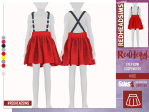
Mesh Original/Credits fully @theseprettylittlepixels TS3 – [here] ♥ Support the work of the original creator of the mesh, click on the link and download.
#redheadsims tag on your photos, and let me see! thx. ❥
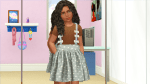
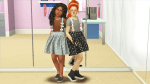
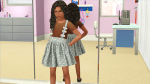
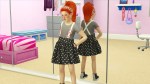
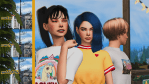
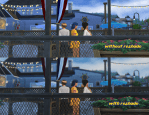
a reshade preset for reshade 3.0 by your fave child of the moon cancerean as a thank you for my 2,000 followers
♡
toggle keys:
GP65CJ042 DOF – 7
MATSO DOF – 4
MARTY MCFLY DOF – 6
VIBRANCE – F5
AMBIENT LIGHT – L
MXAO – Y
BLOOM & FLARES – B
also including is film grain, filmic pass, clarity, and others that don’t have toggle keys (but can obviously be added.) this preset is good for screenshots only and not gameplay friendly. however if you’d like to use it for gameplay, i recommend toggling off the DOFs and MXAO. use the toggles if you find something to be too much! the ambient light settings can make it a little dark in some areas.
instructions:
how to install reshade
drop this file into C:Program Files (x86)Origin GamesThe Sims 4GameBin
turn off edge smoothing
you can either turn off post processing effects or edit your graphicsrules.sgr and turn “ssao” to false
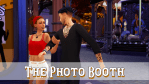
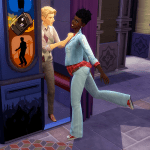
25 poses for new (4x) photo booth object & accessory
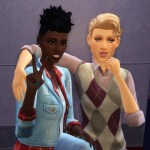
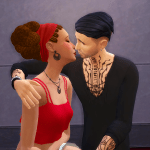
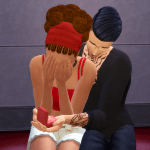
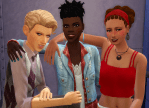
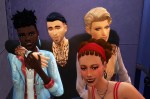
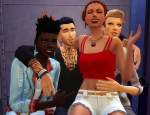
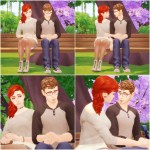
@eslanes, @joannebernice and I have released another posepack! There’s a total of 25 poses, with 2x poses for 4 individuals, 1x pose for a trio and the rest being couples poses. There are 2x NSFW couples poses within the pack that are not previewed here.
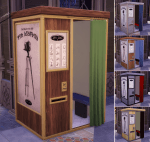
I’d like to say that this pack is actually very much a TEAM effort; not just with the poses but I’d like to thank @siminimonster for extracting the photo booth files from S3, so I could convert them to S4 when the TSRW wouldn’t function for me. There are open and closed curtain versions of both styles of photobooth, and all can be found either under ‘statues’ or ‘Deco: Misc’ catagories. Or you can search by ‘Quid’ to find them.
I’d also like to thank @soloriya for giving me permission to transform her ring box mesh into an accessory. The mesh and original textures are her hard work. You can find the object version >Here<. I’ve made both an inwards and outwards facing version of the accessory for other pose-makers. (and watch this space.)
Finally, I would love to thank @eslanes and @joannebernice for working with me on all these mad projects we undertake together. It’s been a lot of fun to work with both!
Okay, having got all of THAT out of the way! Statue placement is very easy. You simply need to drop however many needed statues into the photobooth. There’s a handy guide in the zip with the posepack. You will need the photo booth and ring box accessory, Andrew’s PosePlayer and the Teleport Statue.
Wow, there’s already 620 of you. Thank you so much for following me, liking and commenting on my posts. It means a lot to me. And thanks to those of you who have been so nice and supportive and that I’m happy to call friends, you know who you are 🙂
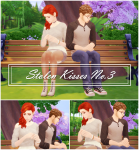
I thought it would be nice to make another entry to the Stolen Kisses series that I started way back when I released one of my first couple poses (No.1 , No.2) So I went with this simple, cute, and sweet pose pack. I really hope you guys like it as much as I do. Enjoy!!!















 simmingpenguin