icedxlemonade:

simsnema:

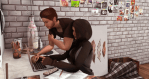
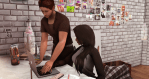
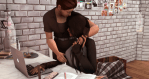
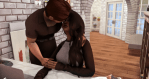
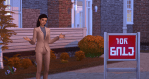
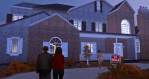
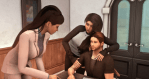
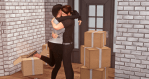
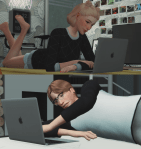
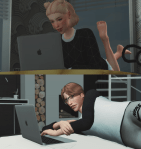
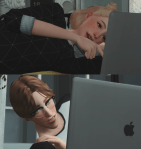
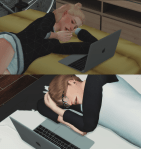
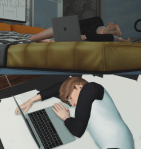
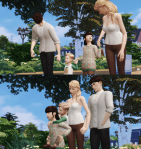
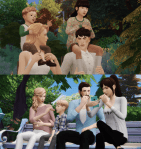
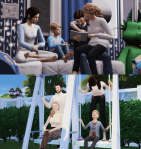
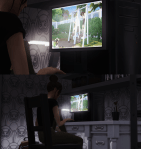
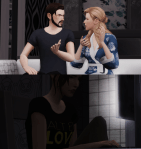
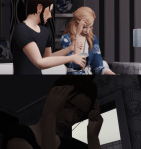
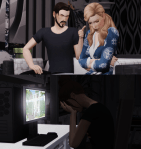
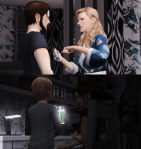
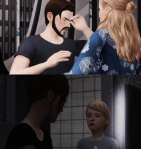
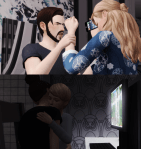
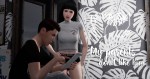
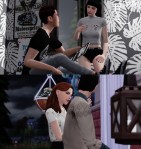
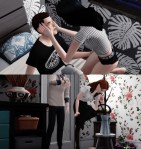
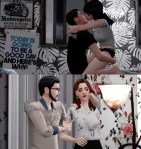
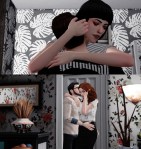
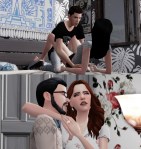
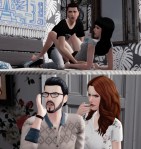
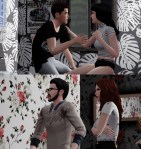
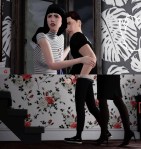
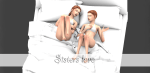
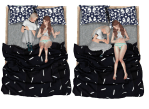
(TS4) Love Sisters_PosesPack

…………………………………

Download :simfileshare SimDom (soon)

(If the download page does not appear, right click on the link, and open it in a new tab.)

……… ……………….

  • pose player here.
  • Teleport Any Sim Here
  • Custom thumbnail 

…………………………………..

_Please do not re-edit _

If you like it, let me a “like” =)

Please don’t re-upload this file, or claim it as your own .

Tag @simsnema ^ _^

……………………………………………………………………………………………………….

You can also find me on instagram and facebook. The links are on the blog

……………………………………

Thank you to all cc creators

Do not forget to subscribe my tumblr for nothing missing

Good game.  

Sleep with my Bestie~~~
silvermarmotsimblr:

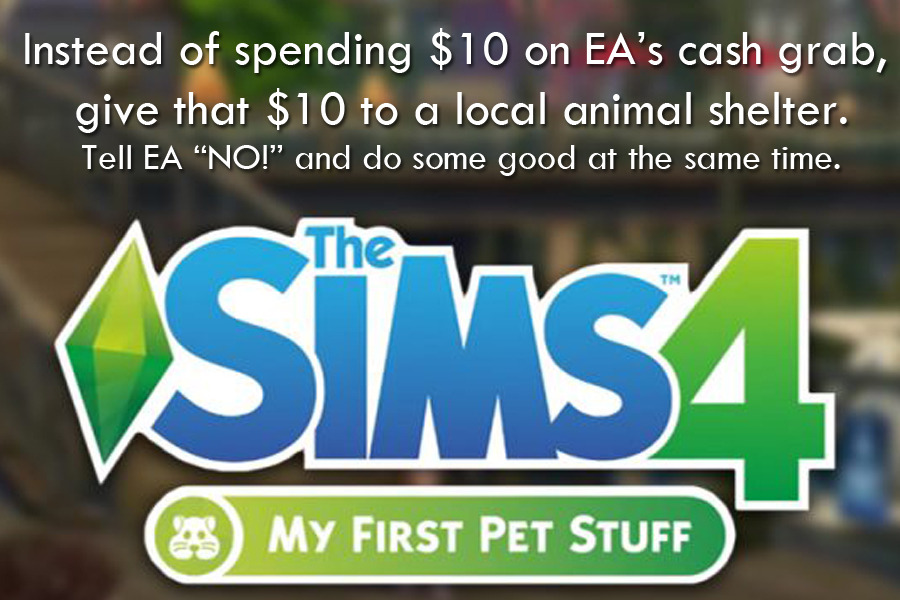
Many of you have said you won’t buy the “My First Pet Stuff Pack.” Great! It seems most in the Sims community, even people who don’t agree on much else, agree that this pack is a blatant cash grab. Take it a step further. If you already had that $10 saved to buy the Pack, consider donating it to your local animal shelter or another animal-supporting non-profit. Challenge EA to match your donation if you want to really let them know how far they’ve strayed. If you like this idea, reblog. It’s a way to not only tell EA “NO!” but to do some good for the non-virtual pets in the world.

pictureamoebae:

andromeda-sims:

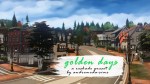
golden days – a preset for reshade 3.0

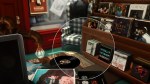
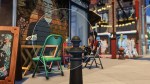
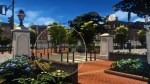
here’s another preset for you guys ^_^ unlike the previous one this preset is heavy with dof and whatnot so i wouldn’t suggest using it for anything but taking sreenshots :c it’s rather glowy and

may seem a bit dark. i tried to make it look cinematic-y so it has 3d and grain effects but it’s on toggle so you can turn it off  

INSTRUCTIONS

  • Download Reshade 3.0 from here (I strongly recommend using this preset with Reshade 3.0 only).
  • Follow @gabreux​‘s guide to install Reshade.
  • Go to C:Program Files (x86)Origin GamesThe Sims 4GameBin (or wherever your game is installed) and place the preset ([AS] golden days preset.ini file) that you are going to download.
  • Run the game and make sure you have turned off edge-smoothing and post-processing effects in options. This is important for the preset to work properly.
  • Once in-game press Shift+F2 and choose my preset.  

INFORMATION & SHORTCUTS

Some effects are on toggle so you’ll be able to turn them on and off.

  • MXAO – F5   

  • Ambient Light – F6

  • MatsoDoF – F7
  • MartyMcFly DoF – F8
  • Bloom and Lense Flare – 4
  • Film Grain – 5
  • CA (3d) – 6
  • Magic Bloom – 7

DOWNLOAD

sfs (no ads)

My bi-weekly reminder that you do NOT need to turn off post-processing.