@angiesimbot and @storitellersimssimblr both wanted to know how to do the animated rain / if I followed a tutorial for it. I didn’t, it’s kind of a very old trick I learned years ago. I ended up putting together a very quick visual guide to show you guys how to do it too:
This is the screenshot I’m gonna use. Please note you can actually see larger version of the images by clicking on them.
So I’m gonna start off with this screenshot. First thing I’m gonna do is edit it so it looks gloomier / more to my liking.
Okay cool. So now, onto the rain. I’m going to make a new layer and fill it with color (any color, really).
Now I’m gonna go to filter -> Noise -> Add Noise and use the settings below.
This would probably already work tbh, but I like my rain to be a little more contrasting, so I’m gonna go to Filter -> Stylize -> Wind and use these settings:
Then I am going to do Command+F (control on PC I think) to repeat the filter (you can also go to filter again, and the very first line will be the last filter used). Now I have my rain pattern, but it’s traveling horizontally (dopey rain).
To fix that, I’m gonna use the move tool and rotate my rain layer 90 degrees.
Now I’m just gonna pull it horizontally so it covers the whole frame. Note: make sure you don’t shrink it vertically, we’re gonna need the extra stuff that is currently above our canvas.
Now I’m gonna hit command+I to invert my image (or go to Image -> Adjustments -> Invert). Then, I need to add motion to my rain. To do that, I am going back to the filters and choosing Blur -> Motion Blur and using the settings below. You can really change things up here though, depending on how windy your day is or how dense you want your rain to be.
Okay super now change blend mode to screen, lower opacity if needed, and the rain is done. What I like to do now is add a few layers of moving water with brushes, either adding puddles or splashes or whatnot.
Aaaand the still image is done! Now all that’s left is the animation. In photoshop CC (which I’m using), just go to the top right corner of your screen and change your mode from “essentials” to “motion”. Then, “create frame animation”
This will create the first frame of our gif. Leave it exactly as is and add another frame. Now, with your rain layer selected, use the move tool and press down the shift key to slightly lower the layer. Holding shift will make sure the layer only moves vertically.
You can repeat this for however many frames as you want, I like to just keep going until the rain layer is flush with the canvas (generally between 6-9 frames depending how fast I move it). Play with this, test it, and see how you like it best. Don’t forget to tick “Forever” for infinite looping, and then save for web. And taaa daaa:
The finished product. Hope this was clear enough 🙂
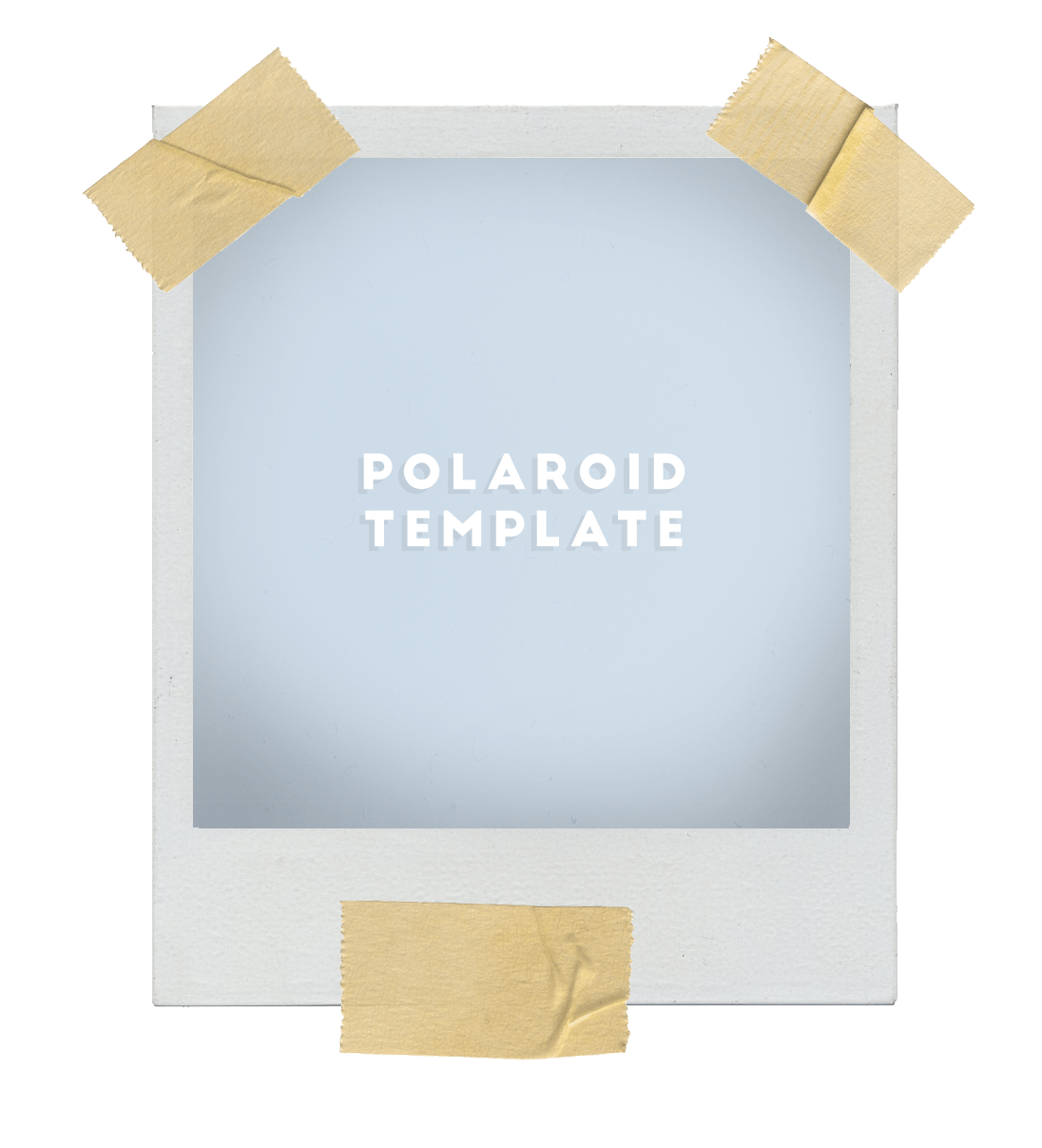
@sunflower-sim asked me how I do my Polaroids, so i figured instead of doing a step by step tutorial I would just upload my PSD! It is literally plug and play. there are five layers: Tape, Polaroid base, Noise, Vignette and “Put your photo here.” That’s all you have to do- just paste your photo on that layer, flatten the image and save! I hope you guys find this useful! ♥
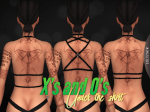
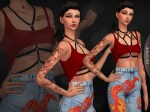
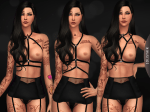
Boobies blurred as a censor, but will tag nsfw still. Lately there’s this trend that I absolutely love: having this harness looking things underneath other clothing so that only a bit of it is showing. I really love it! So I made three different harnesses called X, Y, and Z, in the order of the last image. They are separate, so just pick and choose whichever you like. They can be found under Gloves in the body accessory category. And yes, it can be worn without a top as long as you have the nude top!
Want to recolor? Go ahead! Just Do Not include the mesh. ♥



 simmingpenguin


