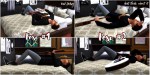
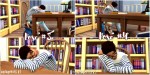
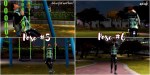
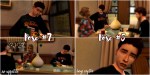
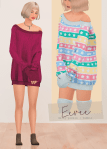
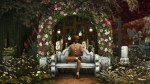
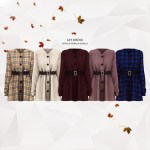
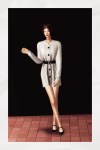
Hope you like it! If you download it I would LOVE to see your pictures, so please tag me on instagram (@german_simmer_). ♥ Have fun with it! ♥ – [if you wonder who these beautiful ladies on these pics are definitely check out @seayousimmer , @moonsims4 because they’re AMAZING and I love them a lot ♥] _ Download:
SFS(no adfly!) _ you need this accessory / decor for the poses:
250 Followers Gift pt. 1 – Little Highgate Cemetery
Okay, yes, you read that right. Did I read that right, though???? 250 followers????? Y’all idk what happened. One day I woke up and there were just suddenly 250 of you and I’m shaking I love you so much. Thank you for hanging out with me??????????????? ya girl over here literally cryin
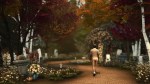
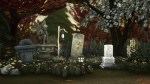
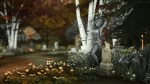
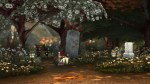
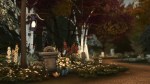
Here’s a little something I made for you guys, after realizing the severe lack of unfenced(??) cemeteries on the gallery. It was inspired by Highgate Cemetery in London. Now I am no builder but I am v satisfied with this build. I hope somebody can find a use for it!!
Little Highgate Cemetery
Generic Lot Type
Built on the 30 x 20 “Hindquarter Hideaway” lot in Brindleton Bay
Completely CC free!
§
36,011 (literally this is 90% THE COST OF FLOWERS omg)
Turn bb.moveobjects on before placing the lot
Download on the gallery from alienfishwife or by searcing Little Highgate Cemetery!
Once again, thank you for 250 followers!!!! You guy’s are my life’s blood not even joking. Have fun with this lil spooky venue here it’s scary af at night
。・ template psd sixty eight, template pack thirty three by templatepsds ゜+.*
-`. info .’-
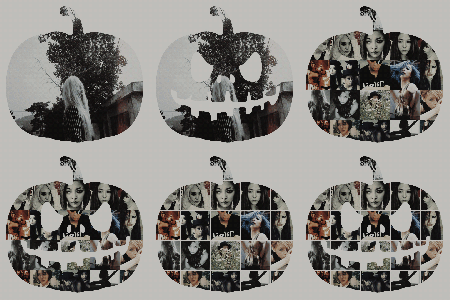
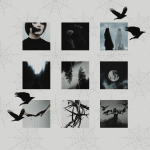
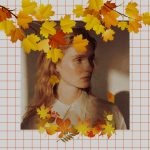
+ since I got a couple of requests for halloween templates, I made some halloween/fall moodboard/graphic templates.
+ you don’t have to use the backgrounds I provided if you don’t want to.
+ for the first and fourth one, you can choose to have it with or without the pumpkin face carving.
+ in the first one, you can choose to have one image inside the pumpkin, or you can have the icons. there’s also an option to have borders with the icons.
+ to put an image inside one of the items, place your image layer right above the layer you want to put it in, right-click on your image layer, and select “Create Clipping Mask.” repeat the process for the other portions.
+ not for commercial use or anything like that! just for personal use/to have fun.









 simmingpenguin